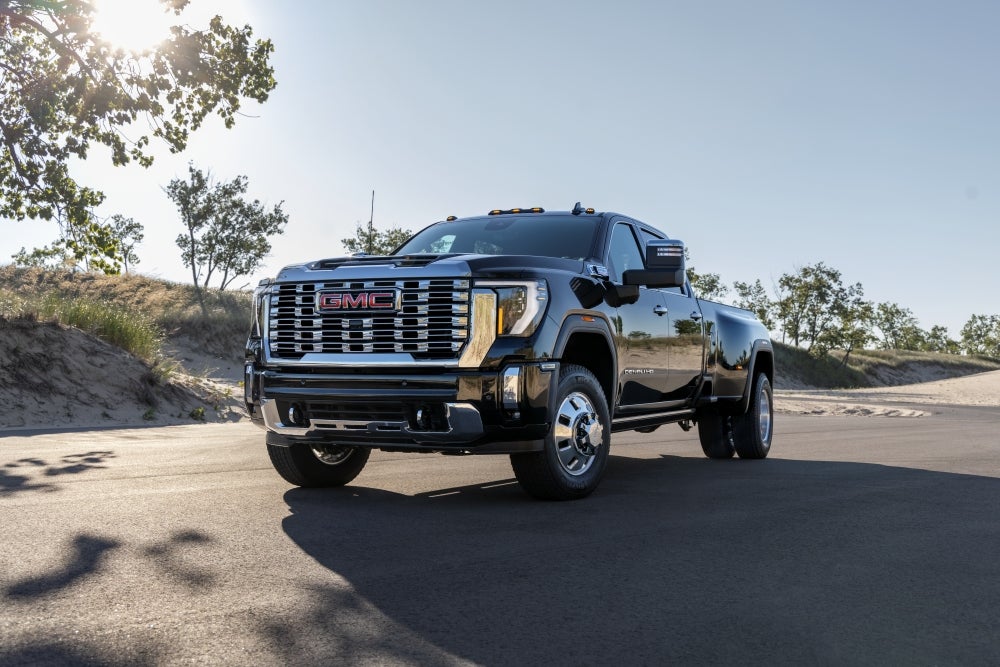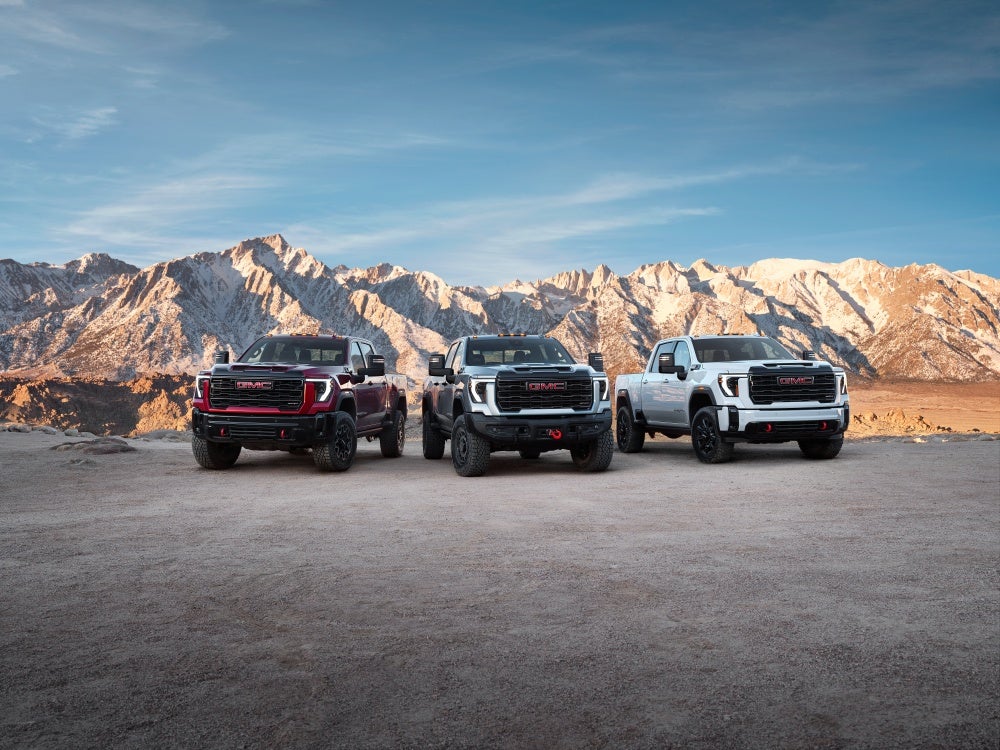



At Robert Brogden’s Garden City GMC, we’re proud to serve drivers from Deerfield, Wolf, Lakin, Hartland, and beyond with everything you need for the road ahead. Whether you’re shopping for a new GMC Sierra 1500, Sierra 2500, or Sierra 3500, scheduling maintenance, or looking for genuine GMC parts, our team is here to help every step of the way. We’re committed to making your ownership experience smooth and stress-free, so don’t hesitate to give us a call or contact us today for expert service and support.
So, why does your GMC’s volume keep going down? In this article, we’ll break down the most common reasons behind sudden or unexpected GMC Sierra volume reducing issues and share troubleshooting steps you can take at home. From phone settings and Bluetooth connectivity to infotainment software and electrical components, you’ll get straightforward answers on how to stop the problem and when it’s time to visit a GMC dealership. This guide to Why Does Your GMC’s Volume Keep Going Down? gives you the knowledge to keep your audio system working the way it should.
Understanding Sudden Volume Drops in Your GMC
Drivers often notice the sound in their truck drop without warning. This can feel random, but there are real reasons behind it. A Sierra audio volume issue can come from built-in features, phone links, or even a weak part in the sound system.
Many owners of the Sierra 1500, Sierra 2500, and Sierra 3500 have asked why this happens. In most cases, the cause is not a broken radio. Instead, it’s often the way the system is set to work.
Here are the most common reasons for unintended volume change or a GMC infotainment volume drop:
- Speed volume: the truck may raise or lower sound based on how fast you drive.
- Startup sound: the radio may set itself to a safe level when you start the truck.
- Alerts and chimes: seat belt, nav, or other alerts can drop the sound for a short time.
- Phone rules: some phones have safety tools that lower sound to guard your ears.
- Loose links: a weak Bluetooth link can cut or drop sound now and then.
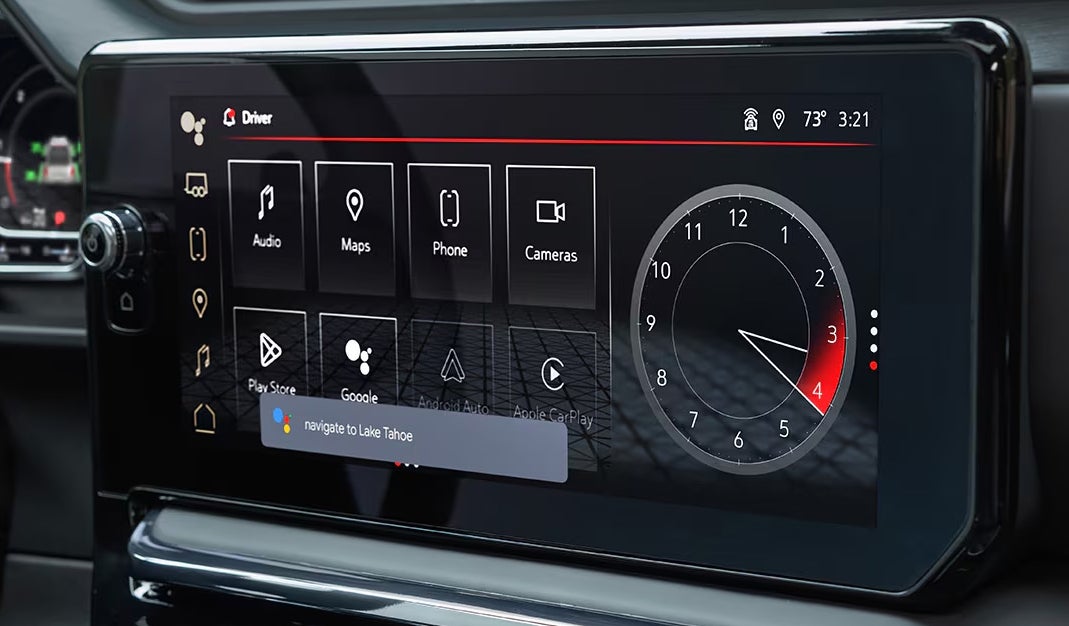
In newer trucks, the 2025 Sierra sound controls give more power to set these features. Yet, if they are not set the way you want, they can still lead to the sound dropping when you least expect it.
Could Built-In Features Be Lowering Your Volume?
Many drivers think a Sierra audio volume issue means a bad radio. But often, it is just how the truck is set up. The sound system is built with tools that can change the sound on their own. These tools are meant to help, but they can lead to unintended volume change if you are not aware of them.
Here are some of the most common built-in features that can make your GMC Sierra volume reducing:
- Speed volume: sound goes up as you drive fast, then down when you slow or stop.
- Startup sound: the system may set a safe sound level each time you turn the key.
- Chime and alerts: nav steps, seat belt sounds, or low fuel notes will drop the music for a short time.
In newer trucks like the 2025 Sierra sound controls, these features can be turned on or off in the menu. Drivers of the Sierra 1500, Sierra 2500, and Sierra 3500 often find that once these tools are set right, the sound no longer drops on its own.
If you keep hearing a GMC infotainment volume drop, the best step is to check your menu first. You may find a quick fix is already built in.
Is Your Phone Responsible for the Volume Drop?
Not all sound drops come from the truck itself. At times, the phone linked to your GMC may be the cause. Many owners see a Sierra audio volume issue when their phone lowers sound for safety or alerts.
Here are some phone-linked causes of unintended volume change or a GMC infotainment volume drop:
- Safe sound rules: iPhone and Android phones have tools that lower sound to guard your ears.
- App alerts: text, mail, or app notes can make the sound dip for a few seconds.
- Media vs. call sound: your phone may split the two, so music drops after a call ends.
- Weak Bluetooth link: if the link is poor or old, sound can cut or fade without warning.
If you drive a Sierra 1500, Sierra 2500, or Sierra 3500, the sound can shift more when your phone and truck do not match well.
To fix this, try these quick steps:
- Update your phone’s system to the newest version.
- Re-pair your phone with the truck and clear old links.
- Check if “safe sound” tools are on in your phone and turn them off if you want.
In trucks with 2025 Sierra sound controls, you can also set the media source on the truck to take charge, not the phone. This can help stop the system from lowering sound when it should not.
Can Electrical or Software Glitches Cause Volume Issues?
Not all sound drops come from settings or phones. At times, the cause is deeper, tied to power or software faults. When this happens, the Sierra audio volume issue may feel random and hard to track.
Here are some common issues and what to check:
- Weak battery: low power can cause sound to cut or fade. Have the battery load tested.
- Loose wires: bumps in the road can shake wires loose, leading to sound loss.
- Bad head unit or amp: if parts in the radio or amp fail, the sound may drop.
- Software bugs: old or flawed code in the infotainment system can cause unintended volume change.
- Faulty knob or switch: a worn knob can send false signs, which looks like a GMC infotainment volume drop.
Drivers of the Sierra 1500, Sierra 2500, and Sierra 3500 may also see this if they use older parts or have heavy use of the sound system.
In newer trucks, the 2025 Sierra sound controls are run by complex code. This means a glitch in the system can change the sound even when no one touches it.
If you find your GMC Sierra volume reducing with no clear cause, it may be time to check both the power and the system code.
How Can You Troubleshoot a GMC Infotainment Volume Drop?
When you notice a GMC infotainment volume drop, it can be hard to know where to start. The good news is there are clear steps you can take at home. These steps work for the Sierra 1500, Sierra 2500, and Sierra 3500, and can help stop the sound from changing on its own.
Follow this list in order for best results:
1. Check your sound settings
- Look for tools like speed volume or startup sound.
- Turn them off if you want a steady sound.
2. Update your systems
- Update the truck’s infotainment code to the newest release.
- Update your phone as well, since it links to the system.
3. Reset Bluetooth links
- Delete your phone from the truck’s list.
- Re-pair it to build a fresh, clean link.
4. Test your battery
- A weak battery can cause a Sierra audio volume issue.
- Have a shop load test the battery to check its strength.
5. Do a hard reset
- In some cases, you may need to reset the system by pulling the ground from the 12V battery.
- This clears out small bugs that may cause unintended volume change.
6. Check wiring and parts
- Look for loose or worn wires around the sound unit or amp.
- If you see damage, have it fixed right away.
With 2025 Sierra sound controls, many of these checks are built into the menus. A few quick tweaks may solve the problem in minutes. If the GMC Sierra volume reducing continues after you try these steps, it may be time for pro help.
When is it Time to Visit a GMC Service Center?
Not every sound issue calls for a trip to the shop. But some signs mean it is time to see a pro. A GMC dealer near Deerfield or Wolf like Robert Brogden's Garden City GMC can check and fix deeper tech or wiring faults.
You should book a visit if you face any of these:
- Frequent volume drops that return even after a reset.
- Unintended volume change that happens at random while you drive.
- 2025 Sierra sound controls that no longer work or fail to hold your set level.
- Sierra audio volume issue tied to both music and phone calls.
- Screen or touch panel errors that stop your use of sound or voice tools.
If you own a Sierra 1500, Sierra 2500, or Sierra 3500, these trucks have complex sound and tech links. Some fixes need dealer tools that a home reset cannot match.
Why a Dealer Visit Helps
- Techs know the system inside and out.
- They can check for software updates tied to a GMC infotainment volume drop.
- They test both the hardware and the code to rule out bigger faults.
If you wait too long, the issue can get worse. A small sound glitch today may lead to full loss of your sound or screen in time.
How to Keep Your GMC Sierra’s Audio System Reliable
A clear and steady sound system makes each drive more safe and more fun. Small steps can help avoid sound faults. Many drivers want to stop a Sierra audio volume issue before it starts. With a bit of care, you can lower the risk of a GMC infotainment volume drop or unintended volume change.
Easy Habits for Better Sound
- Keep software up to date. Check for new updates that may fix bugs in the 2025 Sierra sound controls.
- Avoid overload. Do not play sound at max level for long. It can stress both the speakers and system.
- Check links. Loose wires or weak Bluetooth ties can make the system cut or drop.
- Restart now and then. A full shut down and start can clear small faults.
- Clean with care. Wipe screens and knobs with a soft cloth, not harsh sprays.
When It Matters Most
Whether you drive a Sierra 1500, Sierra 2500, or Sierra 3500, care makes a real change. A truck with clean sound tech is safer for calls and alerts.
By using these steps, you can help stop issues like GMC Sierra volume reducing at the worst time. Your truck stays sharp, and your rides stay calm.
Why does my GMC Sierra’s audio volume keep going down on its own?
This is often caused by an infotainment setting, a software glitch, or a faulty control input.
Could a steering-wheel control or stalk be stuck?
Yes. A stuck button or worn switch on the wheel or stalk can send false volume signals.
Is there an auto-leveling or quiet mode enabled?
Yes. Many Sierra models have auto volume or quiet modes that adjust sound when speeds or calls change.
How can I troubleshoot the infotainment settings?
Check the audio menu for auto volume features, update the system software, and restart the unit if needed.
When might this indicate a failing amplifier or head unit?
If settings look fine but the issue stays, a weak amp or head unit could be the cause.
Stay in Control of Your Sierra’s Sound with Garden City GMC
If sound issues are taking away from your drive, our team at Robert Brogden's Garden City GMC is here to help. Drivers near Deerfield, Wolf, Lakin, and Hartland can count on us for support, whether it’s with a Sierra 1500, Sierra 2500, or Sierra 3500.
We also invite you to keep learning about other common Sierra concerns. Many owners have asked, for example, why does your GMC Sierra keep saying “Shift to Park”, why does your GMC Sierra keep locking itself, or why does your GMC Sierra keep asking for a password. Each guide can help you spot causes early and know when service may be due.
For full details, reach out to our staff today or continue exploring our site for the answers you need.
Get Directions to Robert Brogden's Garden City GMC
Disclaimer: All information is provided for general informational and entertainment purposes only. While we strive for accuracy, we cannot guarantee that all content is complete, current, or error-free. Any reliance you place on such information is strictly at your own risk. This article may include opinions and is not endorsed by, or officially affiliated with, any vehicle manufacturer or brand. Always consult official sources – such as the vehicle’s owner’s manual, authorized dealerships, or certified professionals – for the most up-to-date and personalized information.